
TL;DR: A good nonprofit website makes it easier for people to understand your mission, access resources and take meaningful action. Effective nonprofit website design starts with understanding your audiences and organizational goals, then prioritizing clear messaging, intuitive navigation, accessibility, mobile usability and visibility across traditional and AI-powered search. Equally important is building a website your team can realistically manage. With the right strategy and foundation, your website can become a valuable extension of your mission rather than another thing on your team's to-do list.
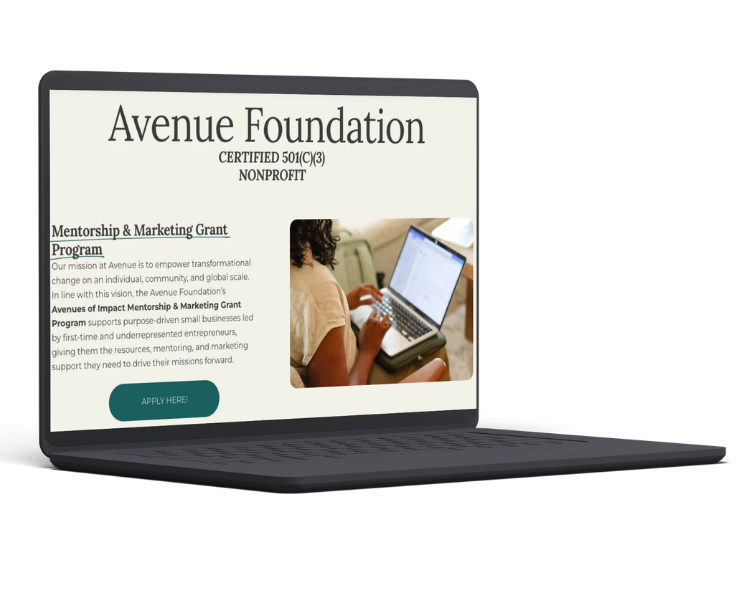
Avenue Foundation's nonprofit website displayed on a laptop, featuring its mentorship and marketing grant program for first-time and underrepresented entrepreneurs and a clear application button.
For nonprofits and purpose-driven organizations, your website is often where someone first encounters your mission, learns about your impact and decides how they might get involved. It might also be where someone goes to find assistance, apply for a grant or access educational resources.
And yet, website management often falls to a team member who's already juggling several other responsibilities. Over time, information becomes outdated, content accumulates and the website starts to feel disconnected from the work happening within the organization.
Through our nonprofit website design and development services, we help organizations build websites that support their missions while accounting for the realities of managing a website with limited time and resources. Whether you're considering a complete redesign or looking to improve your existing site, here are seven essentials we recommend prioritizing.
1. Start With Your Mission, Audiences and Organizational Goals
Before getting into colors, fonts or website platforms, spend some time thinking about what your website needs to accomplish.
A nonprofit focused on providing direct community services will have different priorities from one focused on advocacy, environmental conservation or arts and culture.
Start by asking:
Who are the primary audiences our website needs to serve?
What information are they looking for?
What actions do we want to make easier for them?
What organizational goals could our website help us achieve?
Where is our existing website falling short?
Review your website analytics, talk to staff members who regularly interact with your community and gather feedback directly from the people your organization serves.
These insights should inform everything from your navigation and content strategy to the features you invest in.
2. Make Your Mission and Impact Easy to Understand
Someone encountering your organization for the first time should quickly understand what you do, who you serve and why your work matters.
Use clear, consistent language throughout your website. Explain what your programs involve, who can access them and what outcomes your organization is working toward.
Support your messaging with tangible evidence of your impact, such as:
Program outcomes and community impact data
Firsthand stories and testimonials
Annual reports and financial information
Authentic photos and videos
Community partnerships and collaborations
Our work with Smart Sport Foundation, a nonprofit dedicated to improving access to athletic footwear for young athletes in Africa, illustrates how these elements can come together. By combining clear mission-focused messaging, real stories, imagery and data about the athletes and communities the organization has supported, their website helps visitors understand the need for their work and what supporters can help them accomplish.
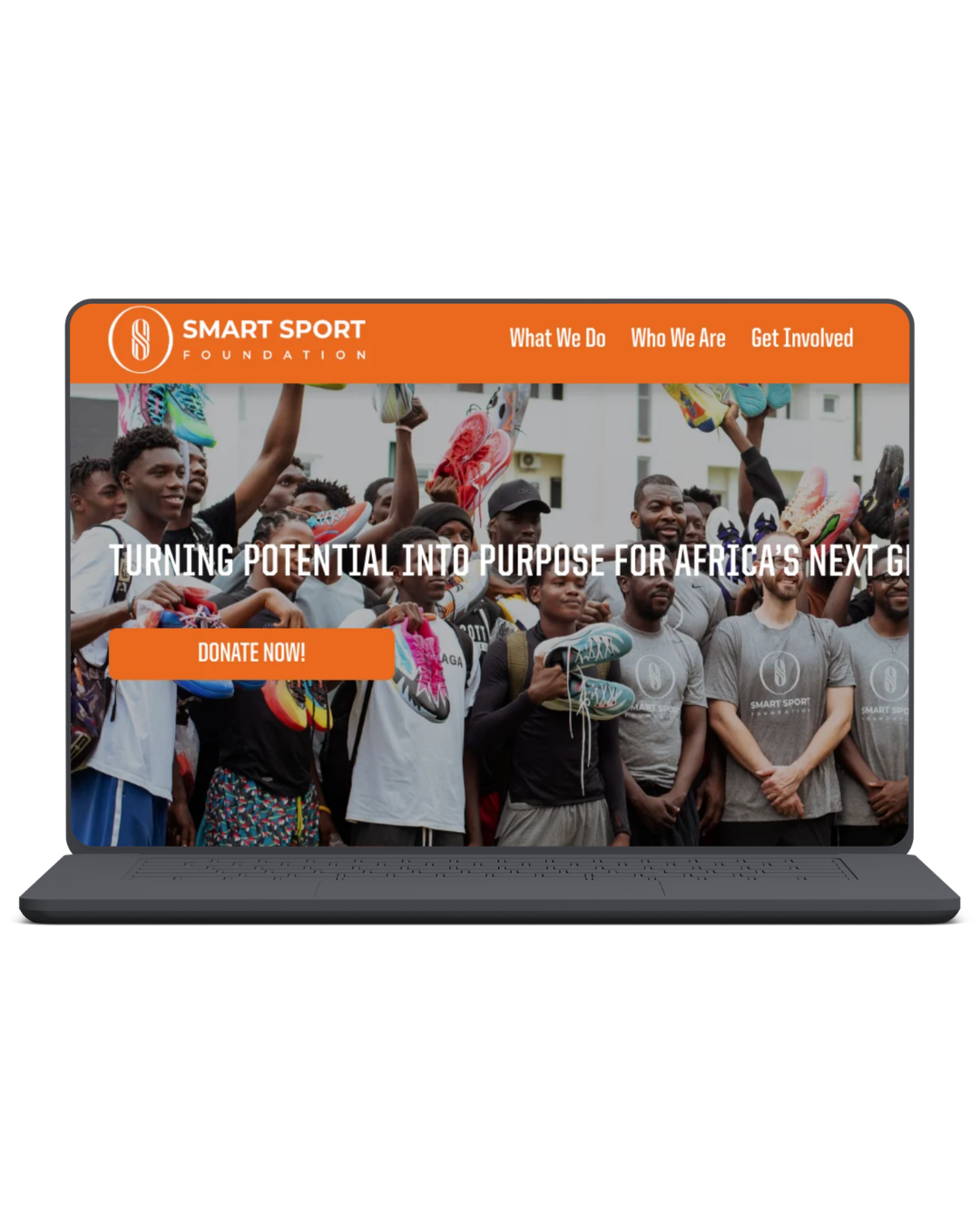
Smart Sport Foundation's nonprofit website displayed on a laptop, featuring athletes holding donated shoes, mission-focused messaging and a prominent donation button.
Be thoughtful about how you tell those stories, too. Represent the people and communities you serve with dignity, agency and respect.
3. Build Your Website Around What People Actually Need to Do
One of the most valuable exercises in nonprofit website design is mapping out the different journeys people might take through your site. For a food assistance organization, that might mean helping someone quickly locate their nearest food pantry. For an arts nonprofit, it might mean making it easy to discover upcoming performances and purchase tickets.
Think about the most important actions someone might take on your own website. Are they easy to find? Are there unnecessary steps involved? Does your navigation make sense to someone unfamiliar with your organization?
If you regularly find yourself explaining to people where to locate something on your website, that's probably a good indication that something could be improved.
4. Prioritize Accessibility From the Beginning
For organizations committed to serving their communities, digital accessibility deserves particular attention.
According to the 2026 WebAIM Million report, 95.9% of the one million homepages evaluated had automatically detectable accessibility failures, and automated testing alone can't identify every barrier a website visitor might encounter.
Key accessibility considerations include:
Sufficient color contrast and readable text
Descriptive alternative text for meaningful images
Logical heading structures and descriptive links
Keyboard-accessible navigation and forms
Captions and transcripts for multimedia content
Accessible documents, donation forms and third-party tools
We recommend using the Web Content Accessibility Guidelines (WCAG) 2.2 Level AA as a design and development target.
Think beyond technical accessibility, too. Consider the languages your community speaks, the devices people use and whether someone with limited internet connectivity can still access your resources.
5. Make the Mobile Experience Just as Good as Desktop
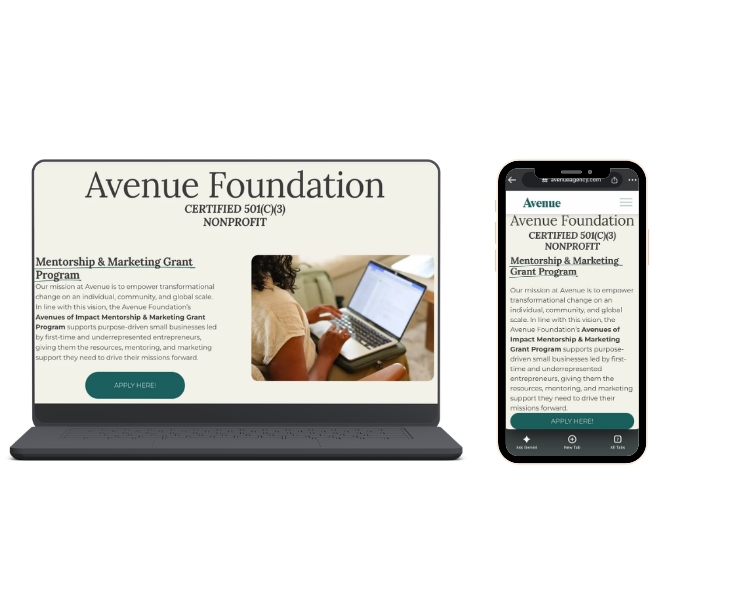
Avenue Foundation's nonprofit website displayed on a laptop and smartphone, showcasing its mentorship and marketing grant program and responsive website design.
When reviewing a website design, it's easy to spend most of your time looking at it on a nice, big computer screen. But according to the 2026 M+R Benchmarks study, mobile devices accounted for the majority of nonprofit website visits in 2025.
Pull up your website on your phone and try completing some of your organization's most important actions. Make a test donation, register for an event, find a resource or complete an application. Pay attention to page load times, button sizes, form lengths and the experience of navigating between your website and third-party platforms. Google's free PageSpeed Insights tool can also help identify opportunities to improve website performance.
Every unnecessary step increases the likelihood of a user bouncing off the site.
6. Build SEO and AI Search Visibility Into Your Website Strategy
A well-designed website can only do so much if the people who need it can't find it. Despite changes in how people search for information, organic search accounted for 39% of nonprofit website visits in 2025, according to the 2026 M+R Benchmarks study.
Search engine optimization (SEO) and generative engine optimization (GEO) can help nonprofits reach people looking for relevant services, educational resources and opportunities to get involved.
Some of the most important considerations include:
Creating dedicated pages for key programs, services and resources
Using language that reflects how people actually search
Providing clear information about eligibility, location, costs and participation
Publishing helpful answers to frequently asked questions
Developing descriptive page titles, headings and internal links
Maintaining a technically sound, easily navigable website
Clear, accurate and well-organized content also helps AI-powered search platforms understand your organization and potentially recommend it in relevant responses. If you're redesigning an existing website, don’t skip any steps. Make sure your strategy includes preserving valuable content and implementing appropriate redirects when URLs change.
Our work with Travel Portland illustrates why incorporating SEO into the website redesign and migration process is so important for protecting organic search visibility. Discovering you've lost years of organic search visibility after launching your new website is nobody's idea of a good time.
7. Build a Website Your Team Can Actually Maintain
A sophisticated, custom-coded website might sound appealing, but how much value does that investment really provide if you need a developer every time you need to update a program description or add an event?
For many small to midsize nonprofits, a simpler, thoughtfully structured content management system is a better long-term investment.
Platforms like Squarespace can provide the flexibility to create a website that reflects your organization's brand and goals while giving staff the ability to manage everyday updates independently. Regardless of the platform you choose, establish who will manage your website, how frequently key information will be reviewed and how you'll measure its success. Look beyond website traffic to meaningful actions like donations, volunteer applications, resource downloads and program registrations.
A successful website launch should leave your team feeling confident and equipped to manage its digital presence.
Is Your Website Working for Your Mission?
Nonprofits have limited resources and incredibly important work to do. Your website should help your team make better use of those resources, reach more people and reduce barriers between your community and the work you do. Sometimes that means a complete redesign. Other times, improving your navigation, reorganizing content or simplifying a few important user journeys can make a meaningful difference.
At Avenue, we've developed our nonprofit website design and development services with smaller nonprofit teams in mind, creating thoughtful, user-friendly websites that support both your mission and your team's day-to-day needs.
Not sure where to start? Contact us for a complimentary website audit. Our team can help identify opportunities to improve your existing website and determine where your organization could benefit most from investing its time and resources.